





.jpeg&w=96&q=75)

 Samsung








1 . Unzip uzerwidget.zip file
2 . Take a clear USB stick
3 . Upload userwidget folder to the USB stick
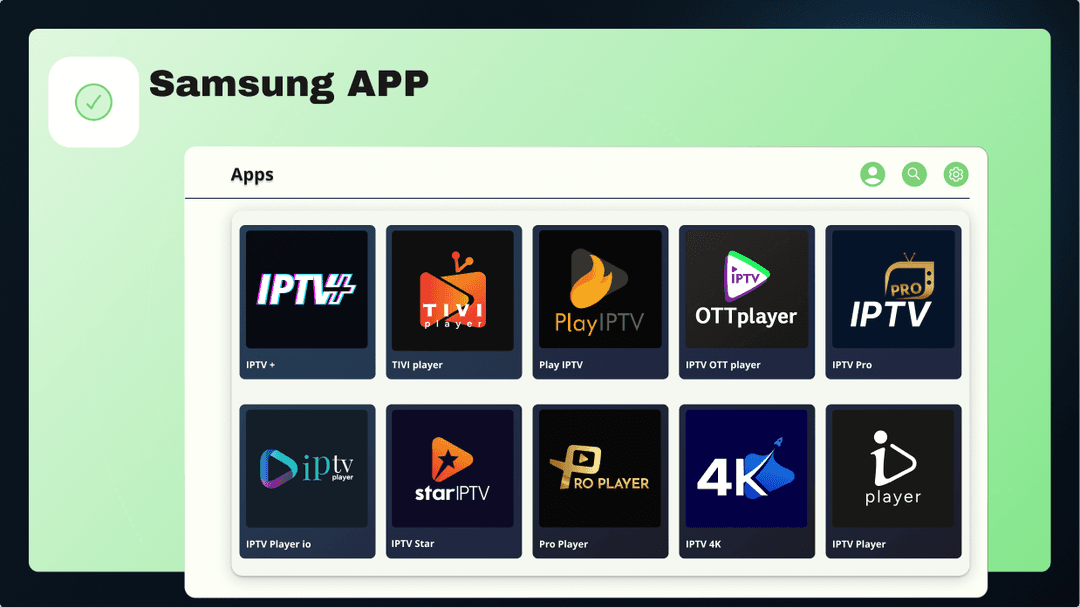
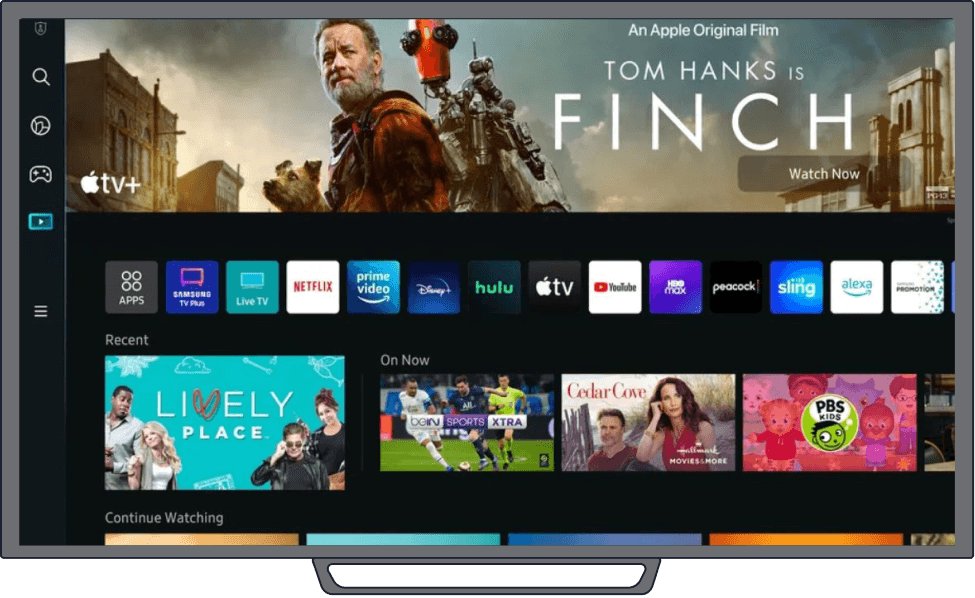
4 . On Samsung TV go to the apps menu (make sure you are connected to the internet)
5 . If you already have installed this app on your tv make sure you have completely deleted it before installing the new one
6 . Plug USB to Samsung TV (app must be installed automated)